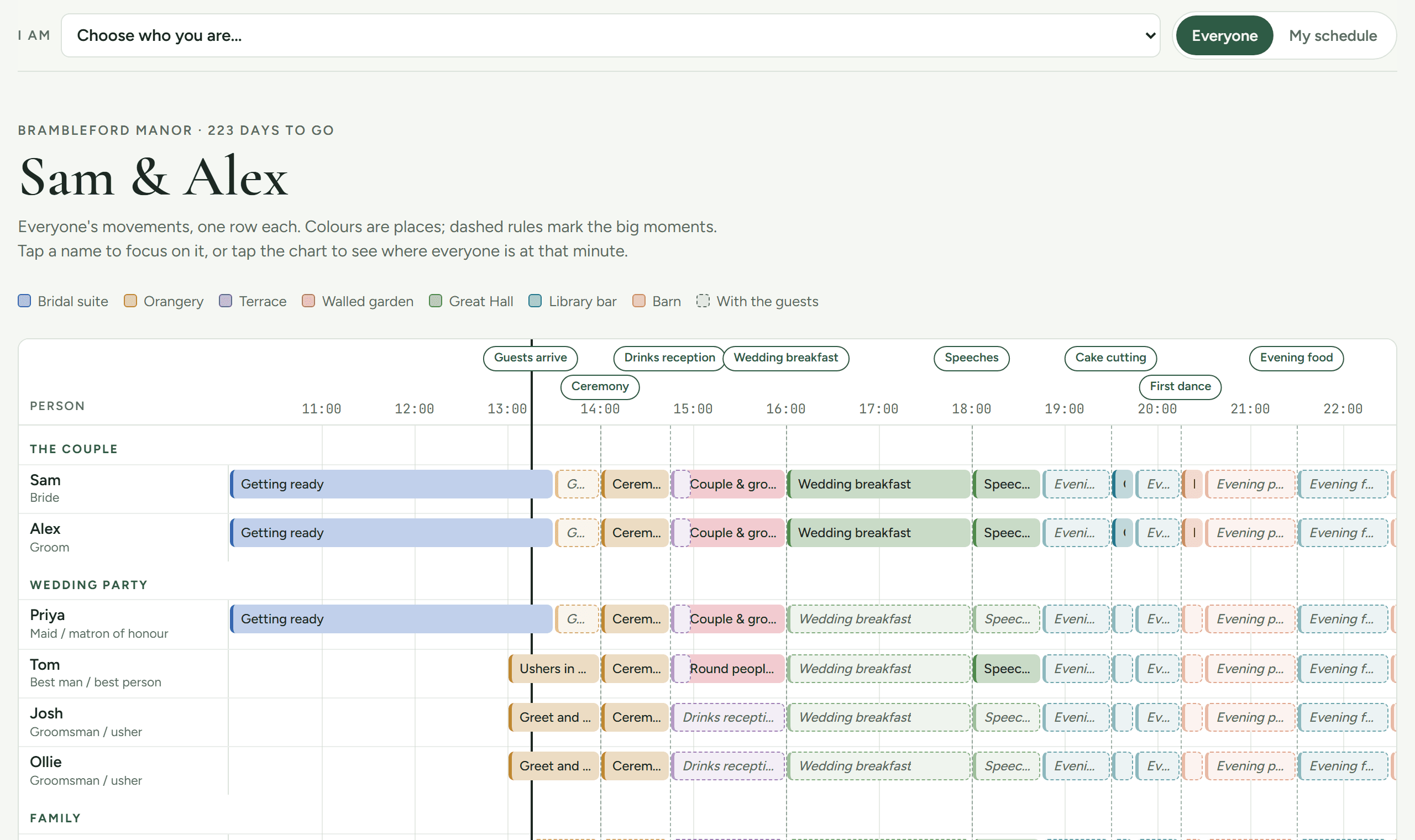
Who is where, and when, on the day.
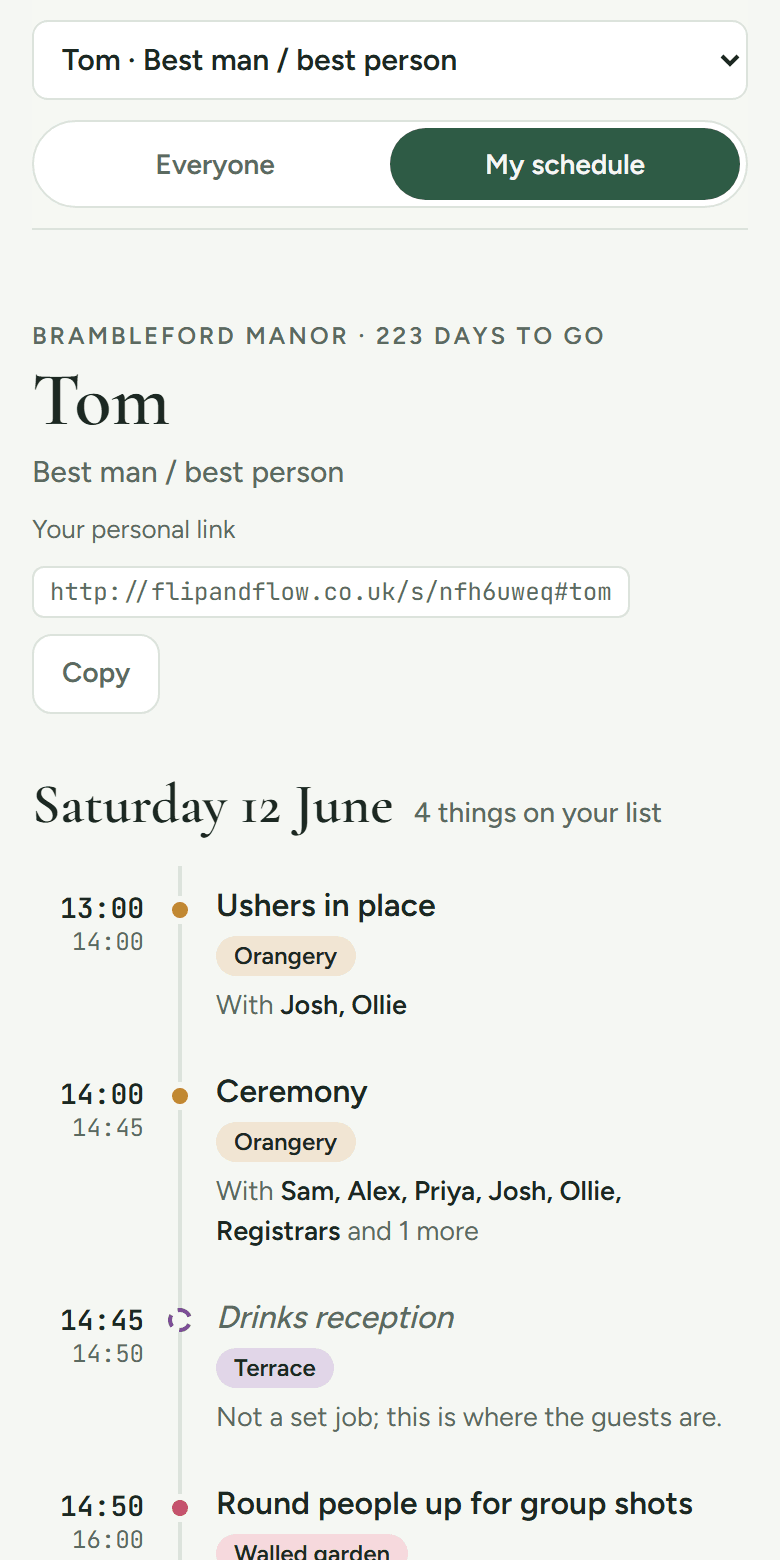
Build the running order for the day, then give everyone involved their own schedule: where to be, when, and who they'll be with.
- 01
Pick the parts of your day
Ceremony, drinks, breakfast, speeches, first dance. Start from a typical wedding and move things around.
- 02
Add your places and people
Name the rooms at your venue, then add the couple, wedding party, family and suppliers.
- 03
Say who's doing what
Assign people to each part, with their own jobs: run the playlist, round people up for photos.
- 04
Share one link
Everyone sees the whole day, or just their own schedule, with clashes flagged before they happen.
On its own
- Parts of the day, places and people, from a wedding starter kit
- A shared schedule, plus a personal one for each helper and supplier
- Everyone at a glance, side by side
- Clashes and “no break all day” warnings before they happen
- One link to share. Helpers never need an account
With other tabs
- BudgetBooked suppliers appear in the schedule with their arrival times.
- WebsiteGuests see their part of the day on your website.
You type your date and venue once, and every tab uses them.
£9 once per event, including VAT
Free: Up to 10 people, one day.
Add more tabs as you need them. Your whole event never costs more than £29, and reaching it unlocks everything.
Words you'll hear
Start with a schedule
Get set up in a few minutes, starting with a schedule. Every tab is free to start, and the whole event never costs more than £29.
Already planning? Sign in